
Teaching
Styles and ranks
Find it Studio › Styles & Ranks
A style is a discipline you teach — karate, Brazilian jiu-jitsu, kids' martial arts. Each style has an ordered ladder of ranks (belts) that students move up.
Creating a style
- Open Styles & Ranks. The page is titled Styles.
- Press + New Style, and enter the name, a short name and a description.
- Open the style and press Manage, then + Add Rank.
Adding a rank
The rank form asks for the Rank Name, a Short Name, the Belt Color Name, the Belt Style and Belt Color, the number of Stripes, and a Rank Stripe Color. Dan ranks have Dan Rank Stripes. Enter the Min. Months and Min. Classes if you want to note them.
Min. Months and Min. Classes are saved and shown on the rank, but
Dojo does not check them when a belt test is run. Your instructors
still decide when a student is ready.
Order, active and deleting ranks
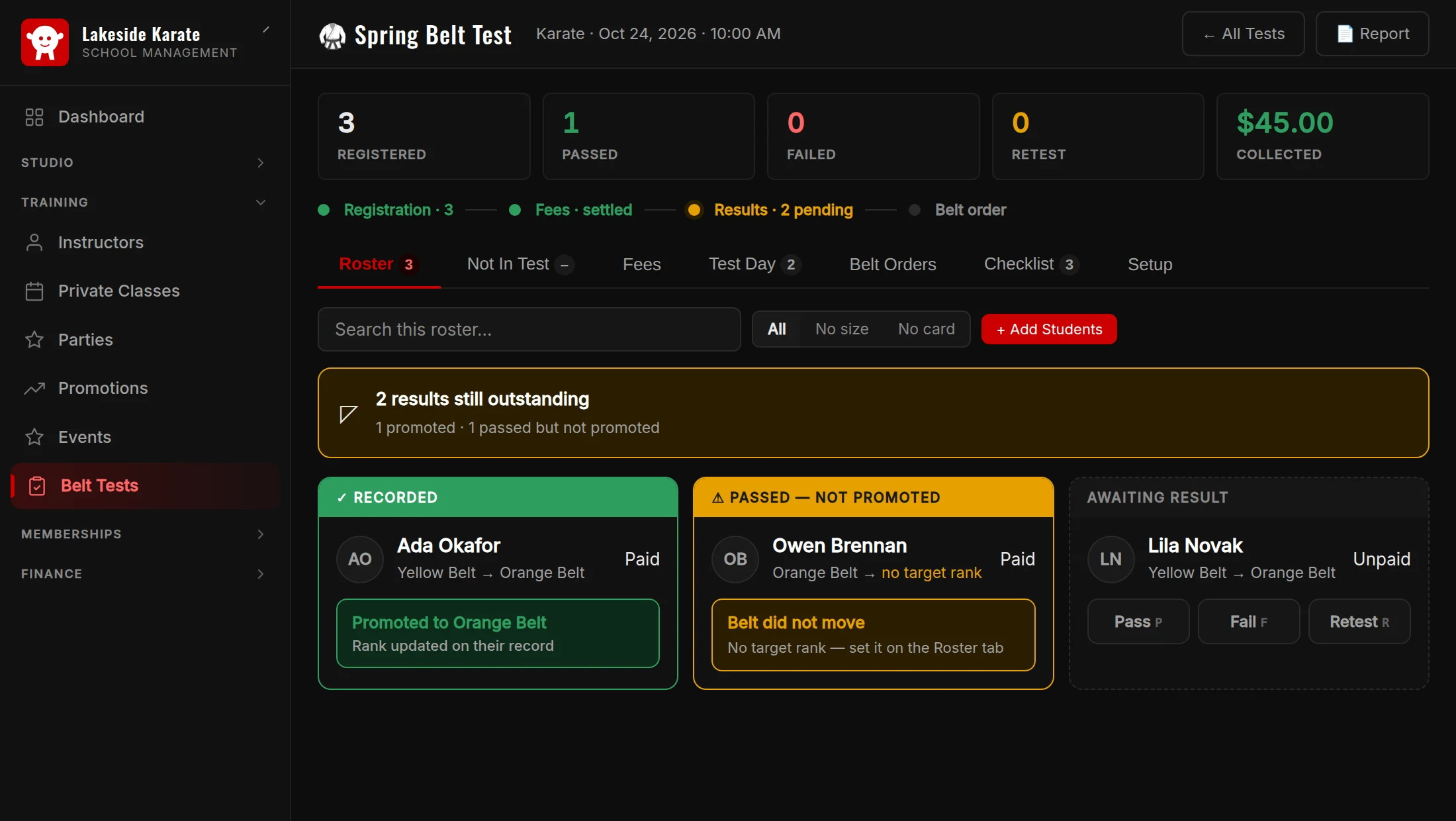
Drag styles and ranks into order. A belt test promotes a student to the next active rank in that order, so keep the ladder in sequence and deactivate any rank you no longer use.
- Deactivate a rank to stop offering it. Students who already hold it keep it.
- Delete is refused once any student holds that rank. Deactivate it instead.